What Is a WebP File (and How to Open or Convert One)?
A WebP is an image format from Google that makes smaller files than JPG or PNG. Here's why you keep downloading them and how to convert one.
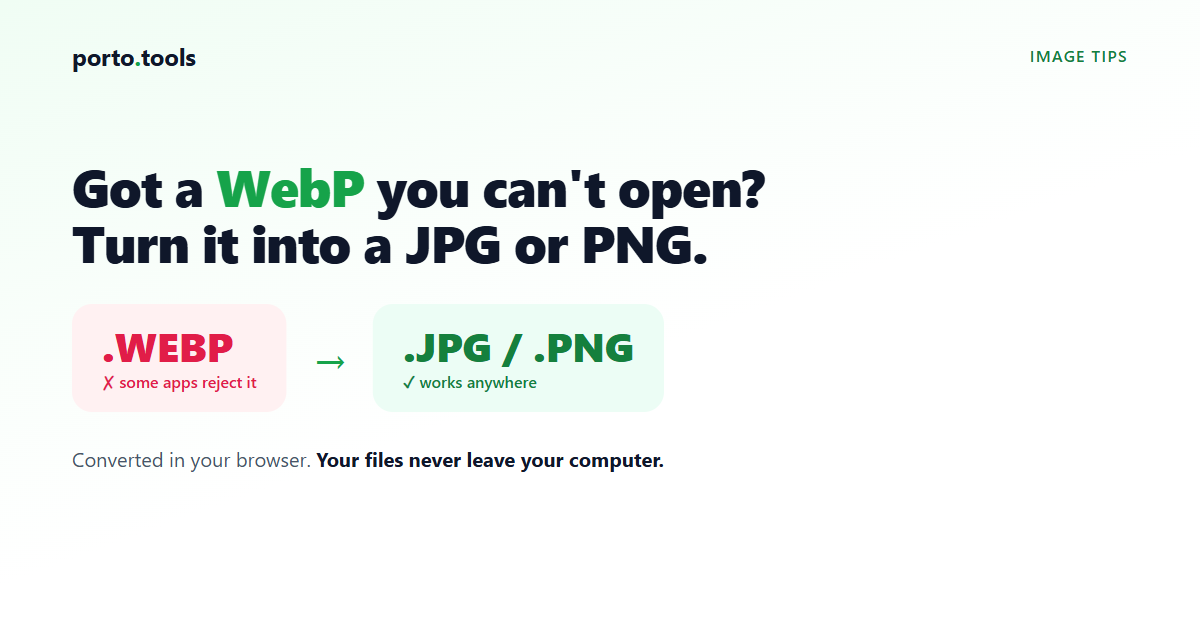
What is a WebP file?
A WebP is an image format made by Google. It stores a picture at a smaller file
size than JPG or PNG at similar quality, which is why a lot of websites use it:
smaller images make pages load faster. You usually run into one because you saved
a picture from the web and got a .webp file, and then some app or upload form
wouldn't accept it. The fix is to convert it to a JPG or PNG, which open
everywhere.
Why you keep ending up with WebP files
When you save a picture from a website, you don't choose the format. You get whatever that site is serving. And these days a lot of sites serve WebP, because the files are smaller and the page loads quicker.
So the usual story goes like this. You right-click an image, pick "save image
as," expect a JPG, and end up with something called photo.webp. Then you try to
drop it into a document, attach it to a form, or open it in an older photo app,
and it won't take. The file is fine. It's just in a format that particular app
doesn't recognize yet.
What WebP is actually good at
WebP was built to make images on the web smaller without making them look worse. A WebP photo is often noticeably smaller than the same photo saved as a JPG, and a WebP graphic with sharp edges (like a logo) can beat PNG on size too. It also handles transparency, the way PNG does, and it can hold short animations, the way GIF does.
For a website owner, that's a clear win: lighter pages, faster loads. For you,
sitting at your desk with a .webp you can't use, it's just an inconvenience.
That's the trade. WebP is great for serving images on the web and a bit awkward
the moment you need that image somewhere else.
Where WebP gives people trouble
Support has improved a lot, but it's still uneven. Web browsers show WebP without any fuss. The friction shows up off the web:
- Some upload forms and job-application portals only accept JPG or PNG.
- Older versions of office software and photo editors won't open WebP.
- A few printing services and design tools ask for a different format.
- Older phones and devices may not show it.
When you hit one of these, you don't need to find the original picture again. You just convert the WebP you already have into a format that app accepts.
How to convert a WebP to JPG or PNG
Converting is quick. Pick JPG if you want a normal photo file that almost anything will open, or PNG if you need to keep a transparent background.
The catch with online converters is that most of them upload your image to their server to do the work. For a picture off the web that's usually no big deal, but if it's a screenshot of something private, or a photo you'd rather not hand to a company you don't know, that's worth a second thought.
This is where porto.tools is different. It converts the image right in your web browser, on your own computer, so the file never leaves your device. Nothing is uploaded. If you want to check, turn off your wifi after the page loads and the converter still works.
You drop the WebP in, pick your format, and download the result:
- Convert WebP to JPG for a standard photo file that opens just about anywhere.
- Convert WebP to PNG when you need to keep a transparent background.
- The image converter handles the same job plus other image formats.
It's free, with no sign-up and no watermark.
One honest note. Converting a WebP to a JPG can make the file a little bigger, since JPG isn't as efficient at compression, and you can lose a small amount of quality, since both formats compress the image. For most photos and screenshots you won't see the difference. If you're working with something where every detail counts, keep the original WebP as well, just in case.
Frequently asked questions
- What is a WebP file?
- A WebP is an image format made by Google. It stores photos and graphics at a smaller file size than JPG or PNG at similar quality, which is why many websites use it to load pages faster. The downside is that some older apps and upload forms don't accept it yet.
- Why did I download a WebP image?
- When you save a picture from a website, you get whatever format that site serves, and a lot of sites now serve WebP because it loads faster. So you click "save image," expect a JPG, and end up with a .webp file instead.
- How do I convert WebP to JPG?
- Open the WebP in an image converter, choose JPG as the output, and download the result. porto.tools does this in your browser, so the image stays on your computer and nothing is uploaded. You can convert WebP to JPG or to PNG the same way.
- Is WebP better than JPG?
- For loading a web page, usually yes, because WebP files are smaller at similar quality. For everyday use on your own computer, JPG is more widely supported, so more apps and forms will accept it without complaint. It depends on what you need the file for.
- Will I lose quality converting WebP to JPG?
- You might lose a little. Both WebP and JPG compress images, so converting from one to the other can soften fine detail slightly, and the JPG can sometimes come out a bit larger. For most photos and screenshots the difference is hard to notice.
Try it yourself
Every porto.tools converter runs entirely in your browser — your files never leave your device.