A Private Alternative to iLovePDF (Your Files Never Upload)
A free iLovePDF alternative with no watermark and no sign-up, where your PDF is processed on your own computer and never uploaded to a server.
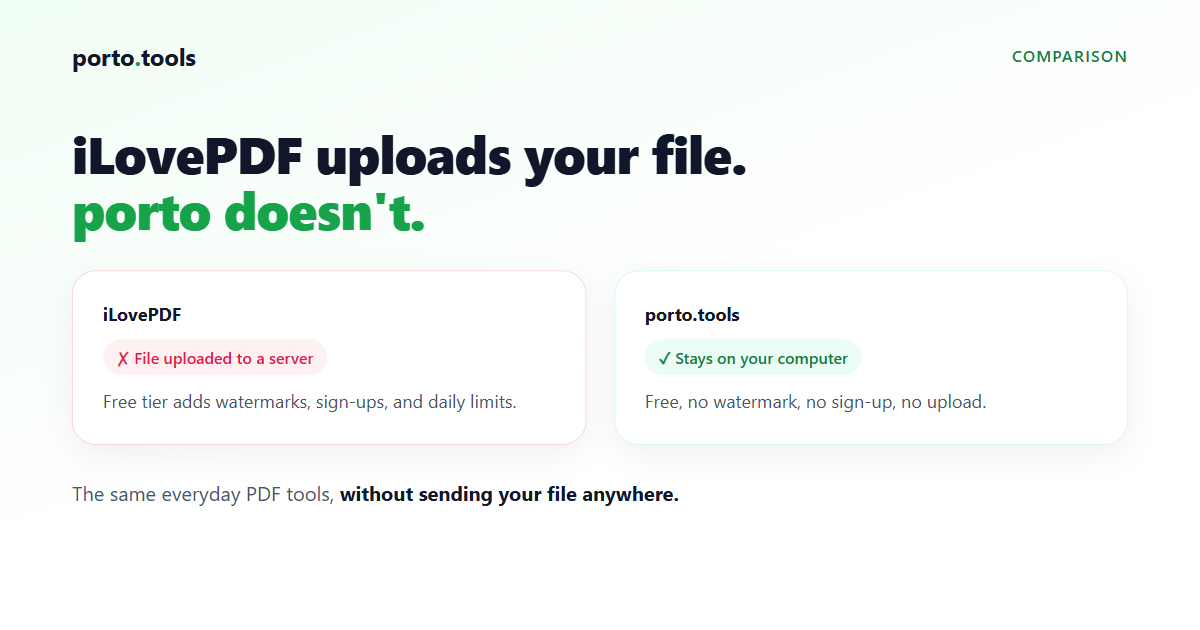
A private alternative to iLovePDF, where your files never upload
If you reach for iLovePDF to merge, split, or compress a PDF, porto.tools does the same everyday jobs for free, with no watermark and no sign-up. The real difference is where the work happens. iLovePDF uploads your file to its servers. porto runs in your browser and converts the file on your own computer, so it never leaves your device.
The everyday PDF tools, without the upload
Most people open iLovePDF for a handful of jobs: combine two documents into one PDF, pull a few pages out of a big file, shrink a PDF so it clears an email limit, turn a PDF into images or images into a PDF, add a watermark or page numbers, sign a document, or protect it with a password.
porto.tools covers that same everyday set. You can merge PDFs, split a PDF, compress a PDF, convert between PDF and JPG, add a watermark or page numbers, rotate and reorder pages, sign, and password protect. The full list is on the tools page.
What changes is the mechanism behind it. With an online converter, your file travels to a company's server, gets converted there, and comes back. With porto, the conversion runs on your own machine. If you want to confirm it, turn off your wifi after the page loads. The tools still work, because there's nothing to send anywhere.
Why "no upload" matters for work files
A holiday photo going up to a server is no big deal. A signed contract, a payroll spreadsheet, an HR record, or a client's documents is a different situation. Uploading one of those hands a private file to a company you know little about, under a privacy policy you probably didn't read. Many workplaces block converter sites for exactly that reason.
porto keeps those files on your computer. They're a good fit for confidential work, because contracts, financials, and HR records never get uploaded anywhere. There's also nothing for corporate IT to block, since no file leaves the device. You can read how this works on the privacy page.
porto.tools vs iLovePDF (free tier)
The table sticks to what's stable. iLovePDF's exact free-tier limits and pricing change over time, so check their current terms for the latest figures. The part that doesn't change is the one that matters most: iLovePDF converts your file on its servers, so the file is uploaded; porto converts on your own computer, so it isn't.
| porto.tools | iLovePDF (free) | |
|---|---|---|
| Your file uploaded to a server | No, never | Yes |
| Price | Free | Free tier plus paid plans |
| Sign-up | None | Some tools need an account |
| Free-tier usage limits | None | Yes (daily and file-size limits) |
| Watermark on output | None | Check their current terms |
| Open source | Engine (AGPL-3.0) | No |
| Everyday PDF tools (merge, split, compress, PDF and JPG, watermark, page numbers, sign, protect) | Yes | Yes |
| PDF to Word, Excel, PowerPoint, and OCR | No (by design) | Yes (typically on paid plans) |
What porto doesn't do
porto runs entirely on your own computer, and that choice has real limits worth stating plainly.
- PDF to Word, Excel, or PowerPoint. Turning a PDF back into an editable Office file with good fidelity needs a server, so porto doesn't offer it. This is iLovePDF's most-marketed paid feature, and if it's what you need, porto isn't the tool.
- OCR. porto doesn't read text out of a scanned page or photo.
- Cloud import. There's no pulling files in from Google Drive or Dropbox. You work with files on your own device.
These all come down to the same trade. Keeping the work on your computer is what makes the no-upload promise true, and these features would break it. For the everyday converting, compressing, merging, and splitting most people open iLovePDF for, porto does the job and keeps the file in your hands.
Frequently asked questions
- Is there a free iLovePDF alternative without watermarks?
- Yes. porto.tools runs the everyday PDF tools (merge, split, compress, convert) for free with no watermark on the output and no account. The file is processed in your browser, so it never gets uploaded to a server.
- Does porto upload my files?
- No. porto runs in your web browser and converts the file on your own computer. Nothing is sent to a server. You can check it yourself by turning off your wifi after the page loads, and the tools still work.
- What can iLovePDF do that porto can't?
- iLovePDF converts PDFs into editable Word, Excel, and PowerPoint files, runs OCR on scans, and imports from Google Drive and Dropbox. porto doesn't do those, because they need a server and porto keeps everything on your device.
- Is porto safe for confidential PDFs?
- It's a good fit for them. Contracts, financials, and HR records are never uploaded anywhere, because the conversion happens on your own computer. There's no copy sitting on someone else's server and nothing for corporate IT to block.
- Is porto really free?
- Yes. There's no account, no watermark, no daily task limit, and no file-size cap beyond your own computer's memory. The engine is open source, so anyone can check how it works.
Try it yourself
Every porto.tools converter runs entirely in your browser — your files never leave your device.